What Muvic does
The short version: paste a playlist, get a filled Beatport cart or Bandcamp wishlist, and keep one library of everything you own. Here is the long version.
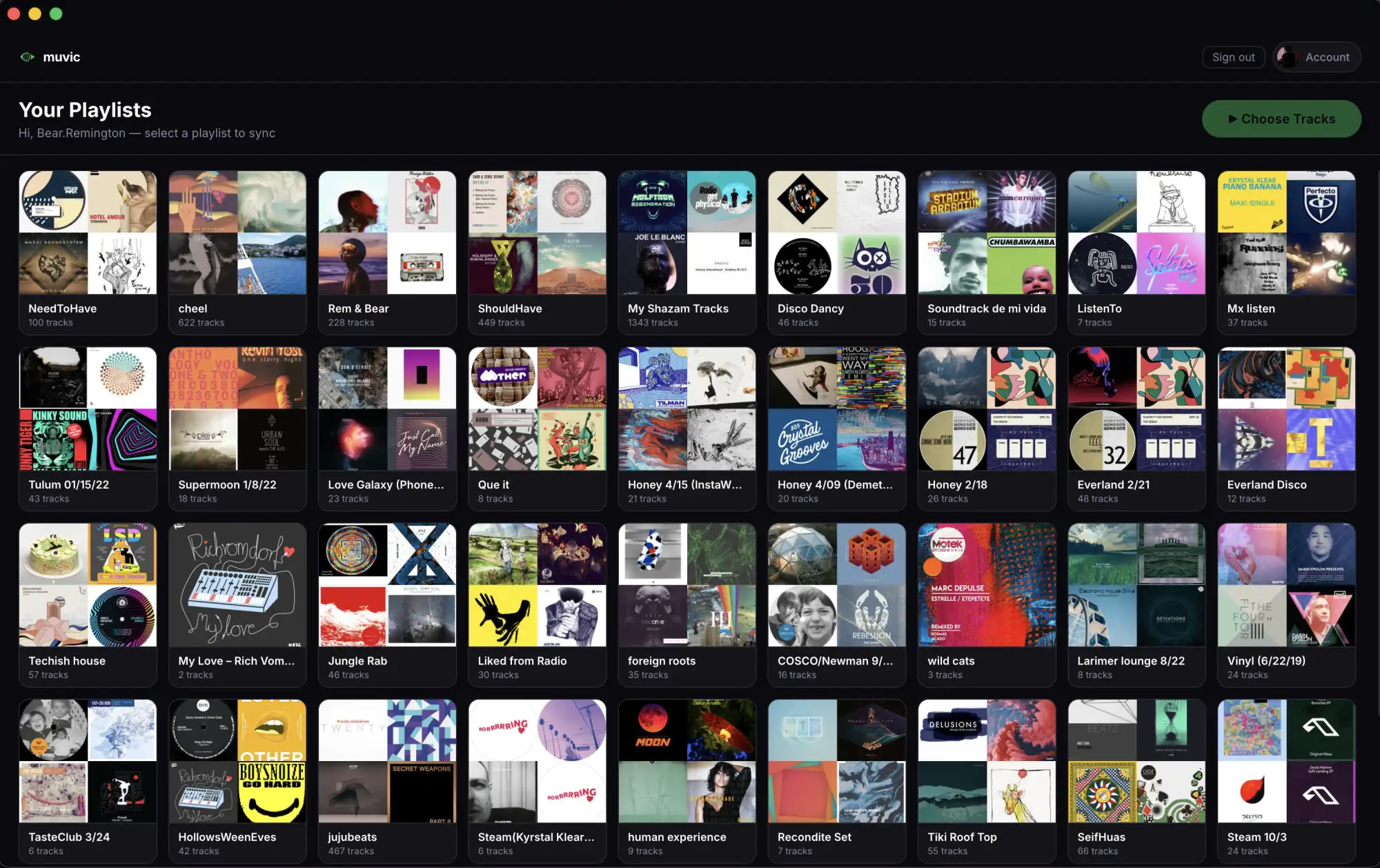
Playlist-to-cart sync
Bring a playlist in however it exists: paste a Spotify link, paste plain "Artist - Track" lines, or drop a .m3u, .m3u8, or .csv file exported from rekordbox, Serato, Music.app, or Engine DJ. Muvic searches the store you picked for each track and adds the match to your cart, one track at a time, at a human pace.
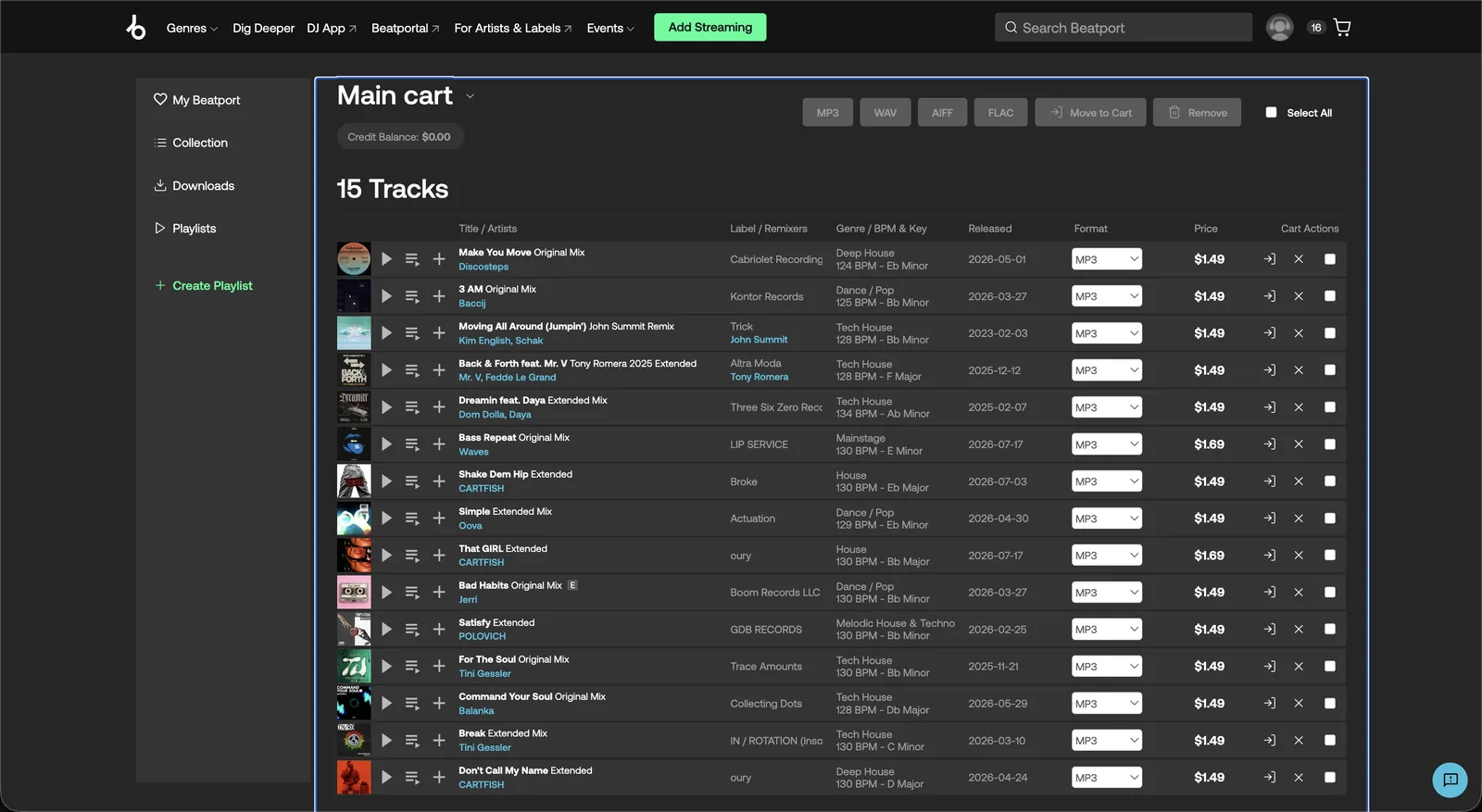
Nothing is ever purchased for you. The sync ends with a full cart and a per-track report of what was found, what was skipped, and what needs your attention. You review the cart on the store and check out yourself, so the exact mix and price pass through your hands before any money moves.
Cross-platform fallback
Not everything lives on Beatport. Self-released artists, live sets, and most of the weirder corners of your taste live on Bandcamp instead. With Pro, tracks that miss on one platform automatically retry on the other: a Beatport miss lands in your Bandcamp wishlist, and vice versa.
Buying on Bandcamp also means more of your money reaches the artist, which is why it is a first-class platform in Muvic and not an afterthought.
Duplicate detection
The most expensive track is the one you buy twice. Before adding anything, Muvic checks your sync history, your local Music.app library, and a snapshot of your current Beatport cart. Tracks you already own or already carted are labeled and skipped, not re-added.
That includes the subtle case where Beatport itself hides the add-to-cart button for in-cart tracks: Muvic recognizes those and reports "Already in your Beatport cart" instead of a false miss.
- Your Muvic sync history
- Your Music.app library
- Your open cart on the store
One library, with spend tracking
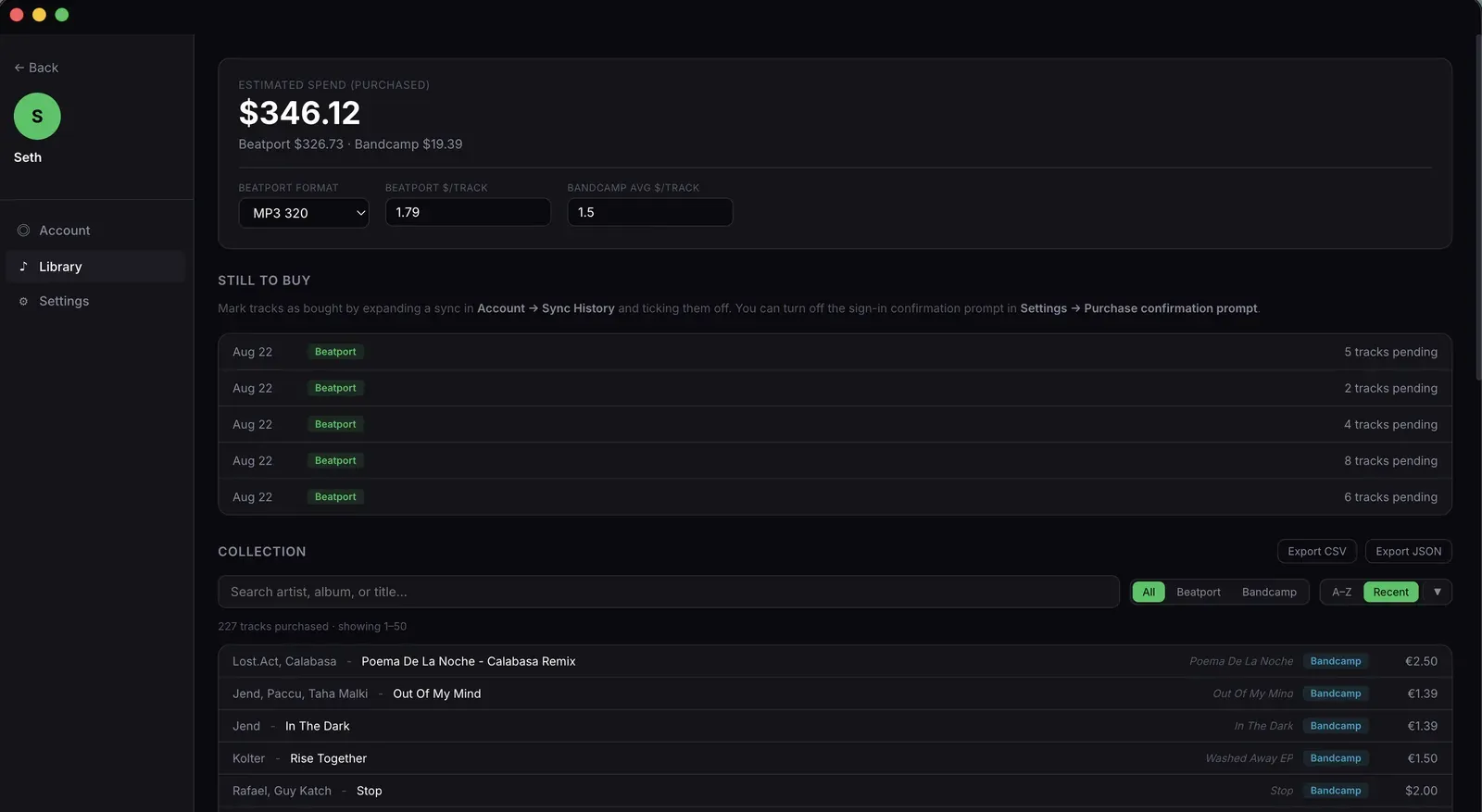
Every synced track lands in your Muvic library with artist, title, album, date, platform, and price. Search it, filter it by platform, mark purchases as confirmed track by track, and see what you have actually spent on each store.
The library lives under your account, so it renders on your Mac and in the browser alike, and Pro can export the whole thing to CSV or JSON whenever you want your data somewhere else.
Unfound tracks stay on your radar
A miss is never silently dropped. Unfound tracks are flagged in the sync report, can be saved as a new playlist inside Muvic in one click, and with Pro can be retried automatically on the other store.
That playlist becomes your crate-digging to-do: everything you wanted but the stores did not have yet, in one place, ready to re-run through Muvic next month.
Built for the Mac, works in the browser
Muvic ships as a native macOS app (macOS 12 and later, Apple Silicon and Intel) and as a web app at muvic.app/sync with the Muvic Sync Helper extension for Chrome, Firefox, and Safari. Your account, library, and sync history are the same in both.
Settings like Prefer Extended Mix follow you across devices too, so the desktop and the browser fill your cart the same way.
How Muvic compares
Honest side-by-sides, including what the other tools do better than Muvic.
- Muvic vs Choon
Muvic fills your Beatport cart from a playlist. Choon downloads and tags the tracks you already bought. An honest side-by-side for DJs choosing between them.
- Muvic vs Lexicon DJ
Lexicon manages your DJ library across Rekordbox, Serato, and Traktor. Muvic is the buying step before that library exists. Where each one fits for a DJ.
- Muvic vs TrackDen
Muvic turns a playlist into a Beatport or Bandcamp cart. TrackDen is a free extension for organising what you find on both stores. An honest side-by-side.
- Muvic vs buying tracks by hand
The honest comparison between Muvic and the way most DJs buy music now: a playlist open in one tab, Beatport search in the other, for a couple of hours.
- Muvic vs Tune My Music
Tune My Music copies a Spotify playlist into a Beatport playlist. Muvic fills your Beatport cart so you can buy the tracks. An honest side by side.
- Muvic vs Hype Machine’s Merch Table
Merch Table finds the Bandcamp albums behind a Spotify playlist. Muvic adds each track to your Bandcamp wishlist or Beatport cart. An honest side by side.
Free for 25 tracks a month. See pricing or read the FAQ.